

Divi Fishing Layout
Original price was: $49.00.$20.00Current price is: $20.00.
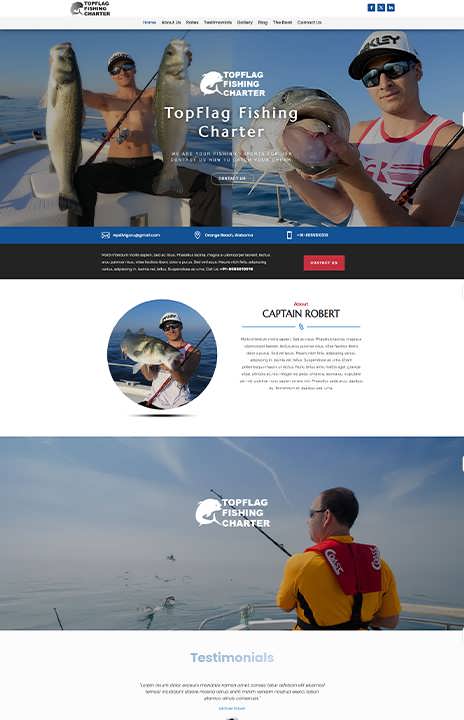
Fishing and Hunting Divi Layout Pack is fresh & clean solution for fishing and hunting hobbies. This Divi Layout Pack is also suitable for any outdoor activity, sport or travel community, travel and lifestyle blog, camping club, or any other community.
This layout is perfect for hunters, fishermen, hunting gear and supplies, fisherman, hunt blog, fishing/hunting community.
This layout is mobile responsive and SEO friendly with a clean, bold, modern, and elegant design. It can be used for community or club to introduce their club/community or selling their services. You can edit/update any layout/page with zero coding knowledge.
You Can Easily Import Divi Layout With a Single Click of Your Mouse. Better than a child theme! Be completely in control of everything and customized as you want!
This Divi Layout Pack contains 8 JSON files.
1. Home (JSON file)
2. Contact Us (JSON file)
3. About Us (JSON file)
4. Blog (JSON file)
5. Gallery (JSON file)
6. Rates (JSON file)
7. Testimonials (JSON file)
8. The Boat (JSON file)
MINIMUM REQUIREMENTS TO USE THIS DIVI LAYOUT PACK:
1. Divi Elegant Theme
You can buy Divi Theme here.
https://www.elegantthemes.com/join/
2. WordPress
You can download it here. (Free)
https://wordpress.org/download/
3. Divi Supreme Pro Plugin
You can buy this WordPress plugin here.
https://www.elegantthemes.com/marketplace/divi-supreme-pro/
KEYWORDS:
Fishing Club, Hunting Club, Outdoor Activity Community, Travel blog, Camping club, Fishing tours agency, Yacht, Sailing, Marine, Angling business, Fishing Charters.
HOW TO IMPORT DIVI LAYOUTS (VIDEO TUTORIAL)
Steps to import the layout on a page using Divi Builder
Download the product zip file and Extract it to get the "Home.json", "About Us.json", "Blog.json", "Gallery.json", "Contact Us.json", "Rates.json", "Testimonials.json" & "The Boat.json" files— these are the file that would get imported to the Divi Theme Builder.
Add a new page and launch Divi page builder.
Now, click on "Portability Icon" and navigate to the "Import" tab.
Go to the "Import" tab, and in the "Choose File" section, browse the JSON files that you've extracted in the first step. Then click "Home.json" or "About Us.json" or "Blog.json" or "Gallery.json" or "Contact Us.json" or "Rates.json" or "Testimonials.json" or "The Boat.json".
Once the layout import is complete, update the header and footer section to include your own text, images, and opt-in form.
Watch the video tutorial to know how to import the layouts:
- Sale!
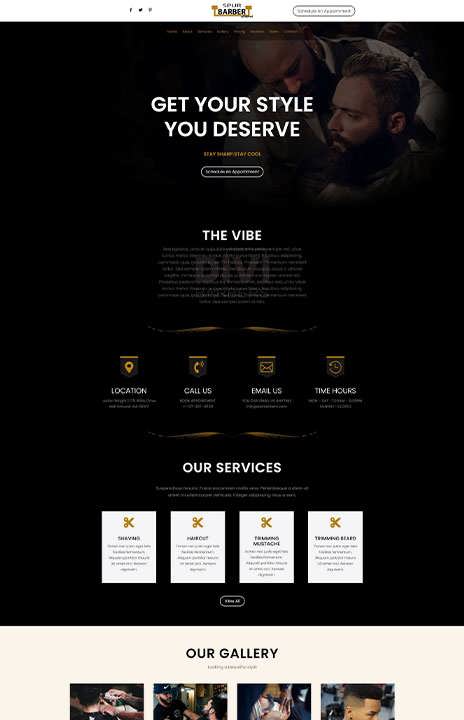
Barber Divi Layout
Original price was: $49.00.$20.00Current price is: $20.00. Buy Now - Sale!

Divi 5 Charity Layout
Original price was: $49.00.$20.00Current price is: $20.00. Buy Now - Sale!
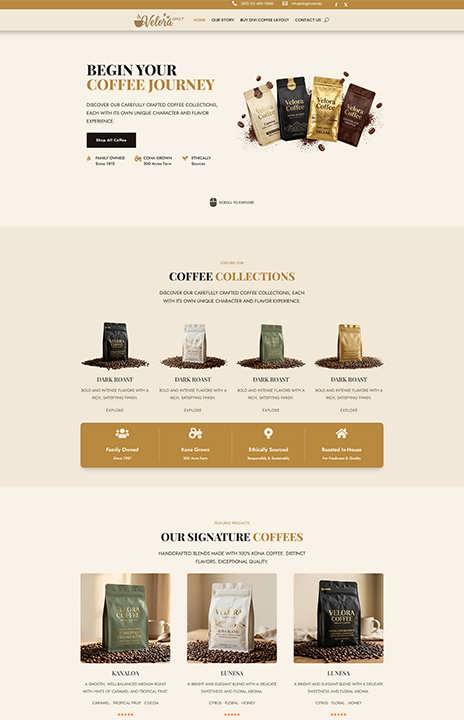
Divi 5 Coffee Layout
Original price was: $49.00.$20.00Current price is: $20.00. Buy Now - Sale!

Divi 5 Dentist Layout
Original price was: $49.00.$20.00Current price is: $20.00. Buy Now - Sale!
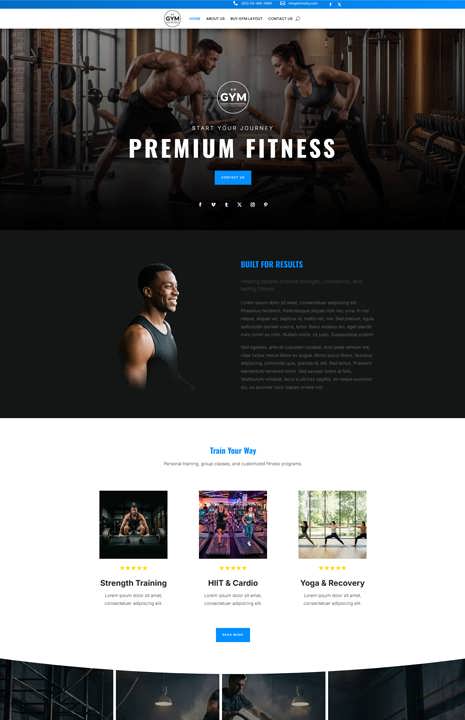
Divi 5 Gym Layout
Original price was: $49.00.$20.00Current price is: $20.00. Buy Now - Sale!

Divi 5 Life-Coach Layout
Original price was: $49.00.$20.00Current price is: $20.00. Buy Now - Sale!
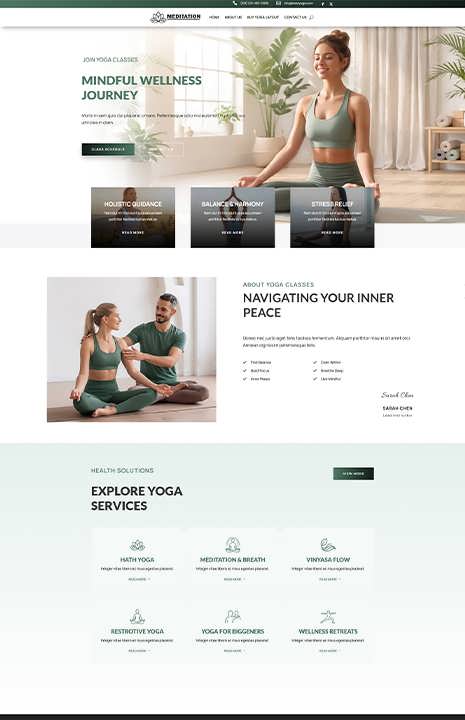
Divi 5 Yoga Layout
Original price was: $49.00.$20.00Current price is: $20.00. Buy Now - Sale!

Divi Attorney Layout Pack
Original price was: $49.00.$20.00Current price is: $20.00. Buy Now - Sale!
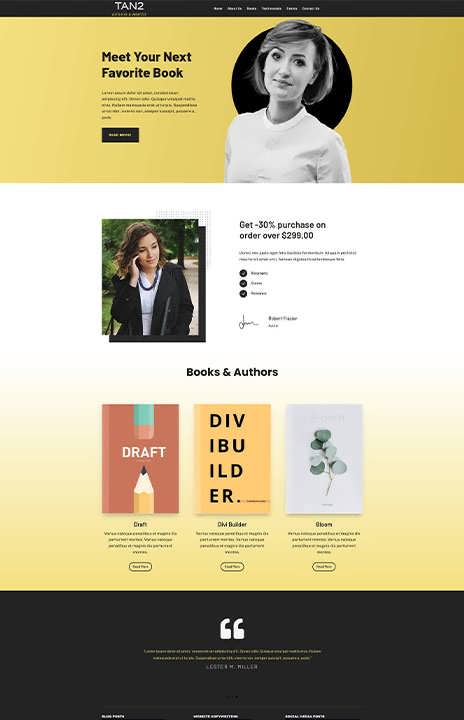
Divi Author Layout
Original price was: $49.00.$20.00Current price is: $20.00. Buy Now - Sale!
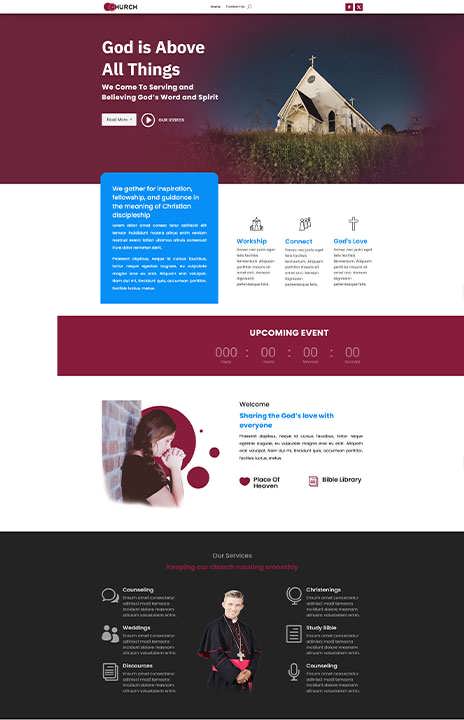
Divi Church Layout
Original price was: $49.00.$20.00Current price is: $20.00. Buy Now - Sale!
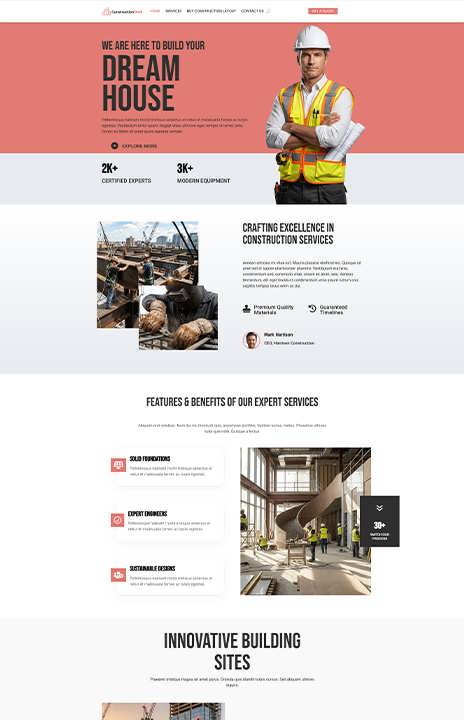
Divi Construction Layout
Original price was: $49.00.$20.00Current price is: $20.00. Buy Now - Sale!
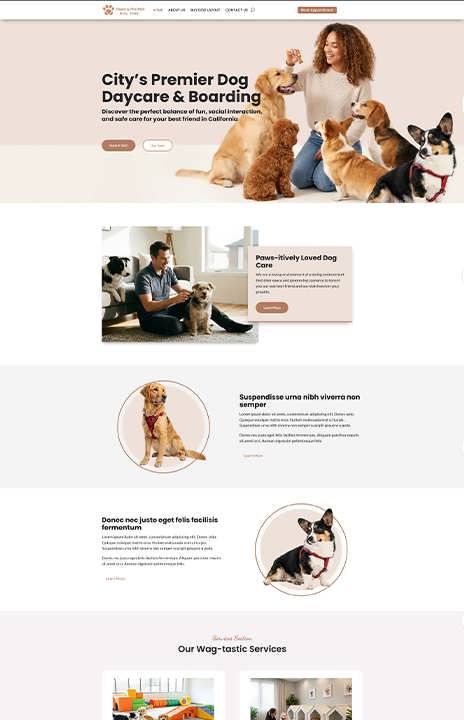
Divi Dog Layout
Original price was: $49.00.$20.00Current price is: $20.00. Buy Now
Related products
- Sale!
Divi 5 Coffee Layout
Original price was: $49.00.$20.00Current price is: $20.00. Buy Now - Sale!
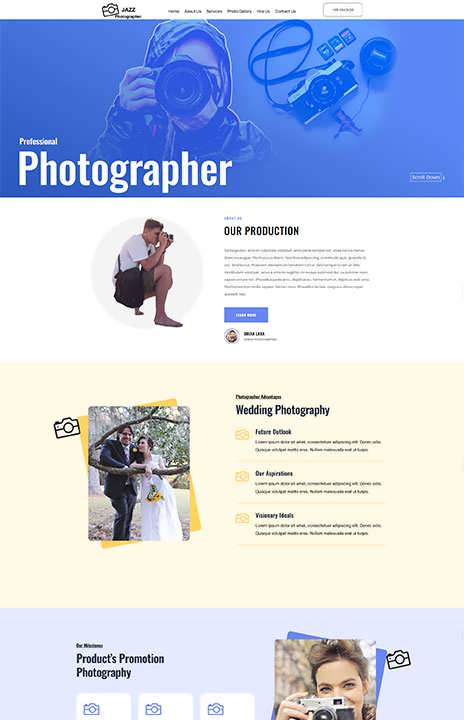
Divi Photographer Layout
Original price was: $49.00.$20.00Current price is: $20.00. Buy Now - Sale!
Divi Author Layout
Original price was: $49.00.$20.00Current price is: $20.00. Buy Now - Sale!

Farmer Divi Layout
Original price was: $49.00.$20.00Current price is: $20.00. Buy Now
